Meta Conversions API via
Programmatic API
Trigger Meta Events via API
Granular control over Meta event triggers and data tracking
When you build more than just a standard website like complex apps, custom checkout logic, dynamic experiences, or server-driven funnels, you need full control over when and how conversion events are tracked.
That’s where the PixelFlow Programmatic Tracking API comes in.
It lets your development team fire events directly from your application code, attach complete user and purchase data, and ensure every critical action is captured and sent to your tracking and ad platforms with precision, all without relying on automatic URL or element-based tracking.
Granular control
Loads Pixel & CAPI
Enrich data
Why Developers Choose PixelFlow’s Programmatic API
While PixelFlow’s automatic event tracking works great for most use cases, some applications require fine-grained control and custom logic that only code can deliver.
With the Programmatic Tracking API, you can:
✅ Send Events on Your Terms
Don’t wait for page loads or DOM interactions — fire events when your business logic says so. This is ideal for complex checkout flows, stateful single-page apps, or backend-verified interactions like third-party payment completions.
✅ Pass enriched data directly
Send rich, detailed payloads — such as product SKUs, order values, quantities, and normalized customer identifiers — to Meta or other platforms for accurate attribution and better ad optimization.
✅ Integrate with your app’s logic
Want to track when a user completes a specific in-app action only after backend verification? Or capture custom business events that never hit the UI? The Programmatic API makes it easy.
✅ Work with existing data objects
If your app already has session state, cart objects, or authenticated user profiles, the Programmatic API lets you use that existing data instead of trying to expose it via the DOM or CSS hooks.
How it Works
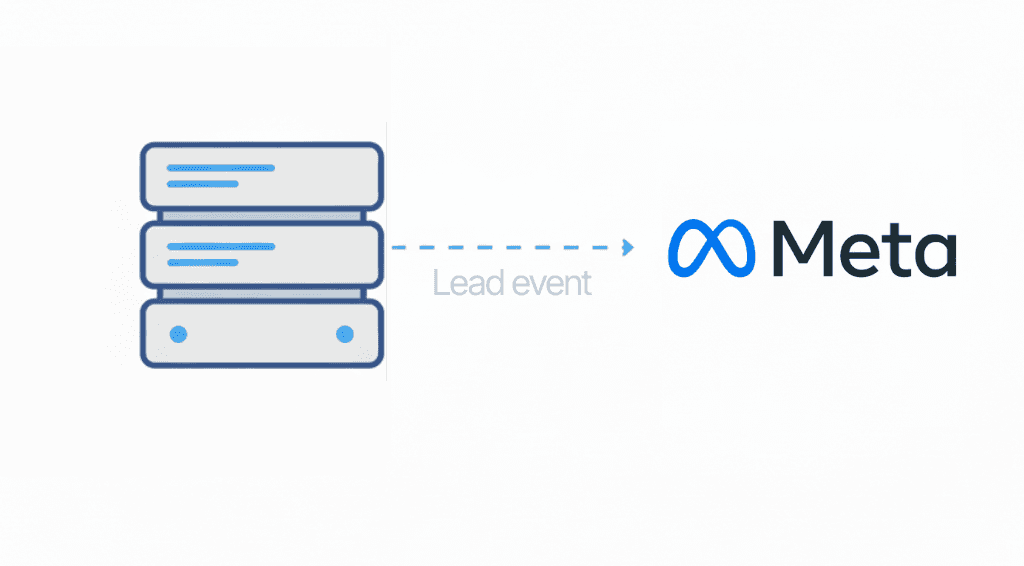
At its core, the Programmatic API gives developers a simple function - trackEvent. Your code can then use this to call an event anytime you wish. You just provide:
Event name (like
"Purchase"or"Lead")Custom data (transaction values, product info, metadata)
User data (hashed email, phone, name, or other identifiers)
PixelFlow handles the rest, normalizing the data, queuing the event, and sending it through to Meta (including server-side Conversions API for resilient tracking).
This approach gives developers both precision and flexibility while still feeding PixelFlow’s real-time dashboards and analytics tools with high-quality event data.
Developer Benefits — Built for Modern Stacks
✅ Works with any JavaScript application
Whether you’re running a React SPA, a Node/Express backend, a headless ecommerce storefront, or custom checkout widgets, the Programmatic API plugs directly into your flow.
✅ Better data = better optimization
Sending normalized user identifiers and detailed event parameters leads to higher match rates in ad platforms and more accurate conversion tracking — which means better campaign performance.
✅ More control, less guesswork
Trigger events once backend validations, payment confirmations, or custom business logic complete — not just when a page loads.
Real-World Examples
Track Lead After Custom Validation
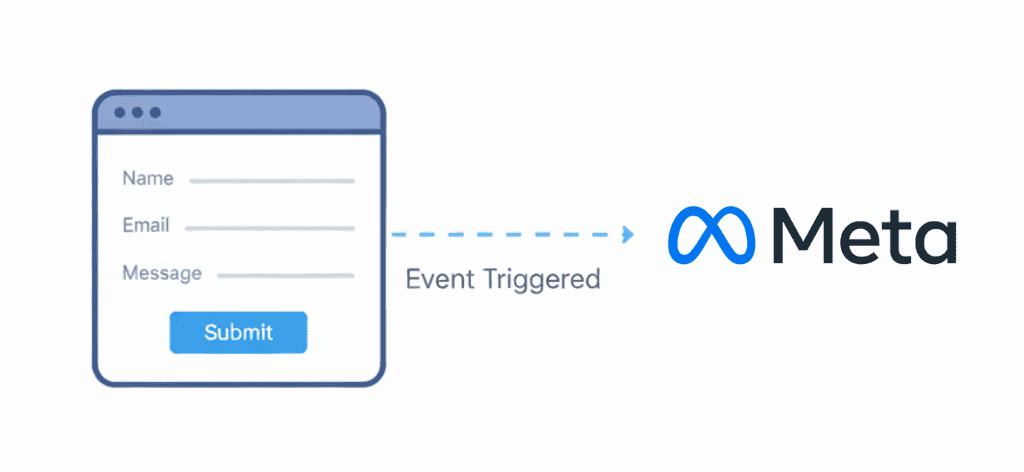
After a multi-step form finishes backend checks, fire a Lead event with value and user data - ensuring it’s only counted when it truly matters.Track Server-Handled Purchases
Integrate with Stripe, Braintree, or third-party payment widgets to trigger a Purchase event only after payment succeeds, including all relevant SKU and revenue data.
Who is it Built For?
Although we developed PixelFlow mainly for non-technical users, we understand that there's also a number of users who are developers or have a technical team and want to use our platform to improve their attribution and tracking without having to use messier or more complex systems like Google Tags Manager.
So we developed the programmatic API for users who are more technical and want to have more granular control of event triggers, specifically:
Developers building custom apps or SPAs
Ecommerce stores with complex checkout flows
Sites that require server-verified events
Teams that need advanced attribution or custom analytics
Projects where automatic event triggers aren’t enough
With the Programmatic Tracking API, you’re not limited by page URLs, CSS classes, or auto triggers. You decide what matters, when it matters, and how it’s sent, making your tracking stack more accurate, flexible, and business-aligned.
Reduce ad costs
Find more customers
Improve ad reporting accuracy
No credit card required
Sebastien Studio-Baguette.com

Frequently Asked Questions
1. What is the PixelFlow Programmatic Tracking API?
The PixelFlow Programmatic Tracking API lets developers send tracking events directly from their code, instead of relying only on browser-based pixels or automatic page triggers. It’s built for teams that need more control over when events fire and what data gets included.
2. When should I use programmatic tracking instead of automatic tracking?
Use programmatic tracking when your conversion logic is custom or non-standard, such as:
Single-page apps (SPAs) where page loads don’t represent user actions
Multi-step flows with backend validation
Custom checkouts or payment confirmations
Tracking events that happen inside an app, not on a public page
If you need tracking to match your real business logic, programmatic is the best option.
3. What kinds of events can I send with the Programmatic API?
You can send any high-value marketing or product event, including:
Lead(opt-ins, signups, demo requests)Purchase(completed payments + revenue)Checkout(checkout started / initiated)AddToCart(cart creation or updates)Custom events unique to your product (activation, onboarding, upgrades)
This makes it ideal for both marketing funnels and product analytics workflows.
4. Can I send customer and purchase details with my events?
Yes. The Programmatic API is designed to support rich event payloads, including:
Order value and currency
Product IDs or SKUs
Quantity and cart contents
Customer identifiers (for improved match quality and attribution)
This helps ad platforms and analytics tools understand conversion value—not just that a conversion happened.
5. Does the Programmatic Tracking API work with modern frameworks like React or Next.js?
Yes. PixelFlow’s Programmatic API works well with modern web stacks like:
React
Next.js
Vue
Angular
Custom JavaScript applications
If you can run JavaScript where the event happens, you can track it.
6. Is the PixelFlow Programmatic API only for frontend tracking?
No. It’s especially useful when you want tracking tied to real outcomes, such as:
A confirmed payment
A verified subscription
A backend-approved signup
A completed onboarding milestone
This gives you more reliable conversion reporting than purely page-based tracking.
7. Will programmatic tracking improve ad attribution and performance?
Yes. When events are fired intentionally and include better data, you typically get:
More accurate conversion attribution
Cleaner reporting across campaigns
Better optimization signals for ad platforms
Higher-quality audience building (retargeting + lookalikes)
In short: better event data → better marketing decisions.
8. Who is the PixelFlow Programmatic Tracking API built for?
It’s built for:
Developers building custom websites, apps, and funnels
Teams running paid ads who need accurate conversion signals
SaaS and ecommerce businesses with non-standard user journeys
Agencies managing tracking across multiple client projects
If your tracking needs go beyond basic pixels, the Programmatic API gives you full control.