Easily Send Conversions to
Meta
Simple setup. Send better data, get better ad results.


Connect your





AI Agent
Setup tracking, ask it about your data & more
Setup
See it all in one dashboard
Detailed Logs
See which ads, campaigns and channels bring visitors, and which of them turn into leads and sales.
Works with your tools
PixelFlow works with your form builder, booking tool, store or CRM, so you can send a conversion to your ad platforms every time you get a new lead or sale.




View all integrations

Built for people who hate complexity
Non-technical founders
Small and medium-sized businesses
Agencies
Track Anything
Any event from your website sent to Facebook and attributed in your ads
Browser
Server
Deduplicated
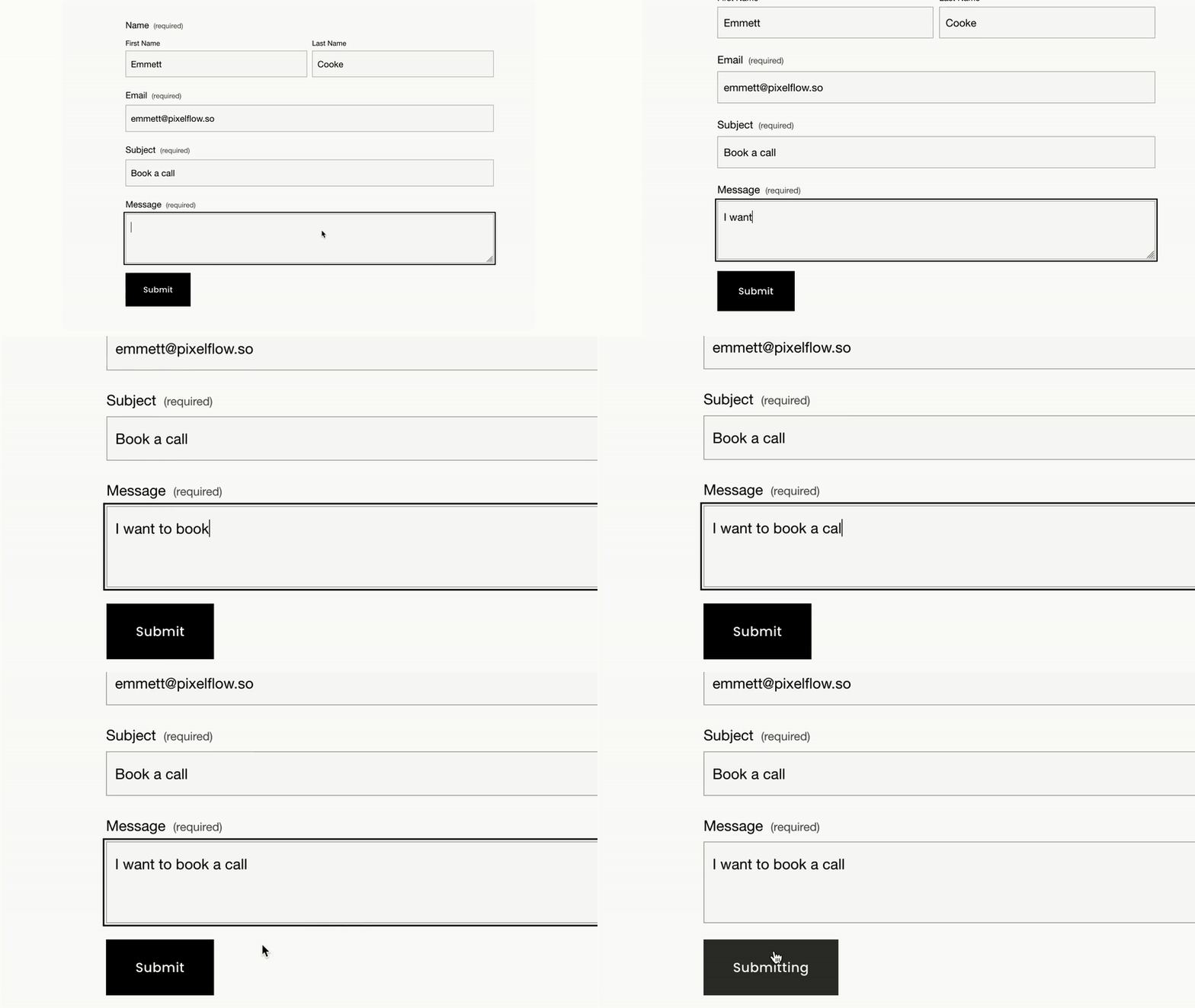
Track Any Forms
Trigger an event when someone fills in a form
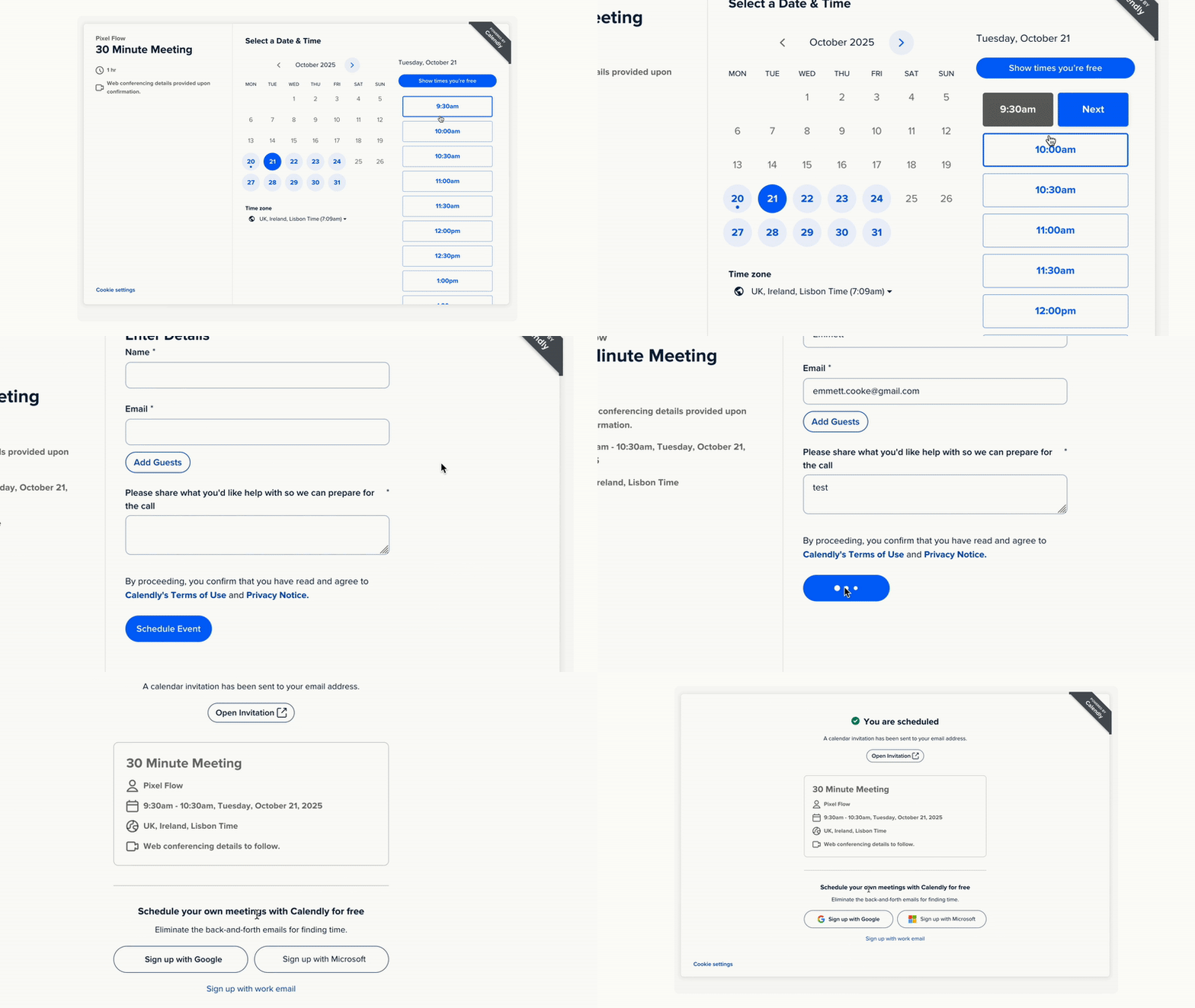
Track Booked Calls
Track booked calls and demos
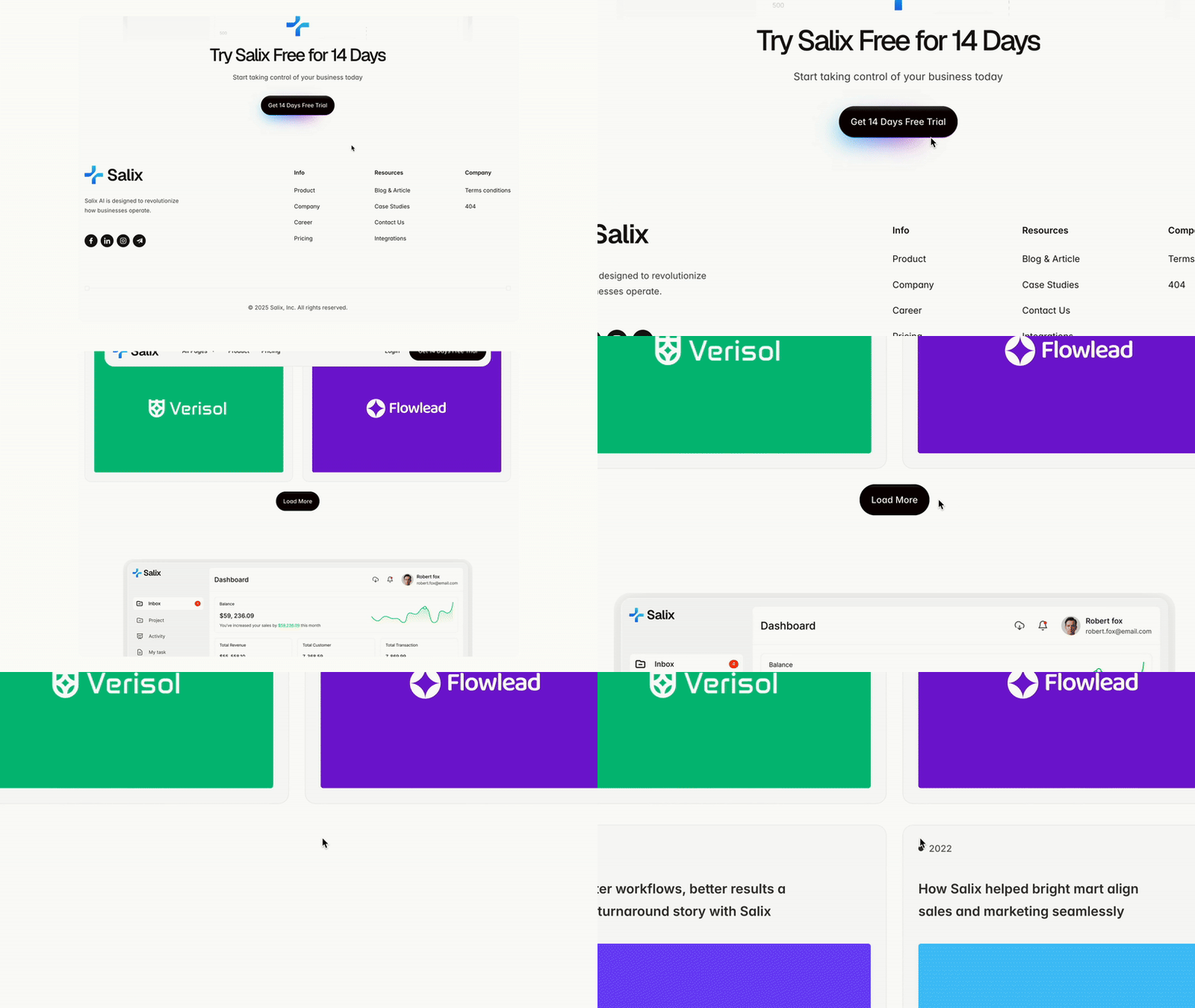
Track Button Clicks
Any button or link on your site - no code needed.
Track eCommerce
Purchases, add-to-carts etc. from your store or Stripe.
Start scaling your ads with better data
No credit card required
5-minute setup
All the features you need without the complexity
Everything you need, nothing you don’t
Event deduplication
Send browser and server events together without double-counting conversions.
Block bots & reloads
Block bot traffic and page reloads muddying your ad results in Ads Manager
Load Pixel & CAPI together
PixelFlow loads your Pixel & CAPI together for improved hybrid tracking results
GDPR Compliant
PixelFlow is automatically compliant with popular cookie consent plugins by default
Customer Journeys
See the full journey every customer took to convert into a lead or sale from ad click to conversion
Event payloads
See what data was tracked and sent with every single action and event you've sent to Meta
Cross domain tracking
Cookies remain persistent across all of your subdomains and 3rd party sites
Attribution dashboard
See where every sale & conversion came from - even organic traffic
Simple to use
Install once, connect your tools, and let PixelFlow handle the tracking.
View all features
People ♥ PixelFlow
Our customers speak for themselves

Customer story
“PixelFlow is our source of truth. Our match quality jumped from 4/10 to 8.5/10, and the numbers now line up with our CRM and Stripe.”
Grant Eilertson · SimpleCheck
Read the story





Simple pricing
Same features - just extra options for teams and agencies
Add extra sites to any plan for $10/month
Free 7-day trial
Cancel anytime
Free setup help
Track unlimited events
Compatible with your platform:


Frequently asked questions
Everything you need to know about switching to server-side tracking.
Do I need Google Tag Manager?
No. That’s the whole point: you connect PixelFlow directly to your site and to Meta, with no tag manager and no pixel snippets to maintain.
Why not just use Meta's One Click CAPI setup tool?
Because it just mirrors the pixel. It can't see any server events. It can't collect extra information. Its a good start if you have nothing, but a tool like PixelFlow maxes out your EMQ score to ensure you're sending as much data as you can
Do I need a developer to set it up?
No. Most sites are live in about five minutes with a simple setup — no developer needed.
Which ad platforms can PixelFlow send to?
Meta and TikTok today, with more being added over the coming weeks. Every plan sends the Facebook Pixel and the Conversions API together, and TikTok's Events API works the same way. Standard includes one ad platform destination, Growth includes three and Agency five. Extra destinations are $10 a month each, so you can start on Facebook and add TikTok later, or the other way around.
How is server-side tracking more accurate?
Browser pixels get blocked by ad blockers, iOS, and privacy settings. Server-side events send straight from your server, so platforms receive the conversions they would otherwise miss.
Will it work with my website?
Yes. PixelFlow installs as a plugin on WordPress, WooCommerce, Webflow and Framer, and as one script on Squarespace and custom-coded sites, and key events like purchases, leads, and bookings are tracked automatically.
What happens after the free trial?
When your 7-day free trial ends, tracking pauses until you pick a plan. Your setup and settings are saved, so you can pick up exactly where you left off.
Can I cancel anytime?
Yes. There are no contracts - cancel in one click from your dashboard and you won’t be billed again.
What counts as a “site”?
One website (domain), including all of its subdomains. You can add extra sites to any plan for $10/month each.
Better Data. Better Results.
Start sending accurate conversions today - no tag manager, no code, no developer required.