Why Do You Need the Facebook Conversions API?
Most businesses only send Facebook a fraction of their conversion data.
Businesses that send more get cheaper leads, better ROAS, and campaigns that improve automatically
Facebook doesn't target people.
It learns who buys from you.
The era of manual interest targeting is over; today, success is driven by the data you feed the algorithm rather than the settings you toggle.
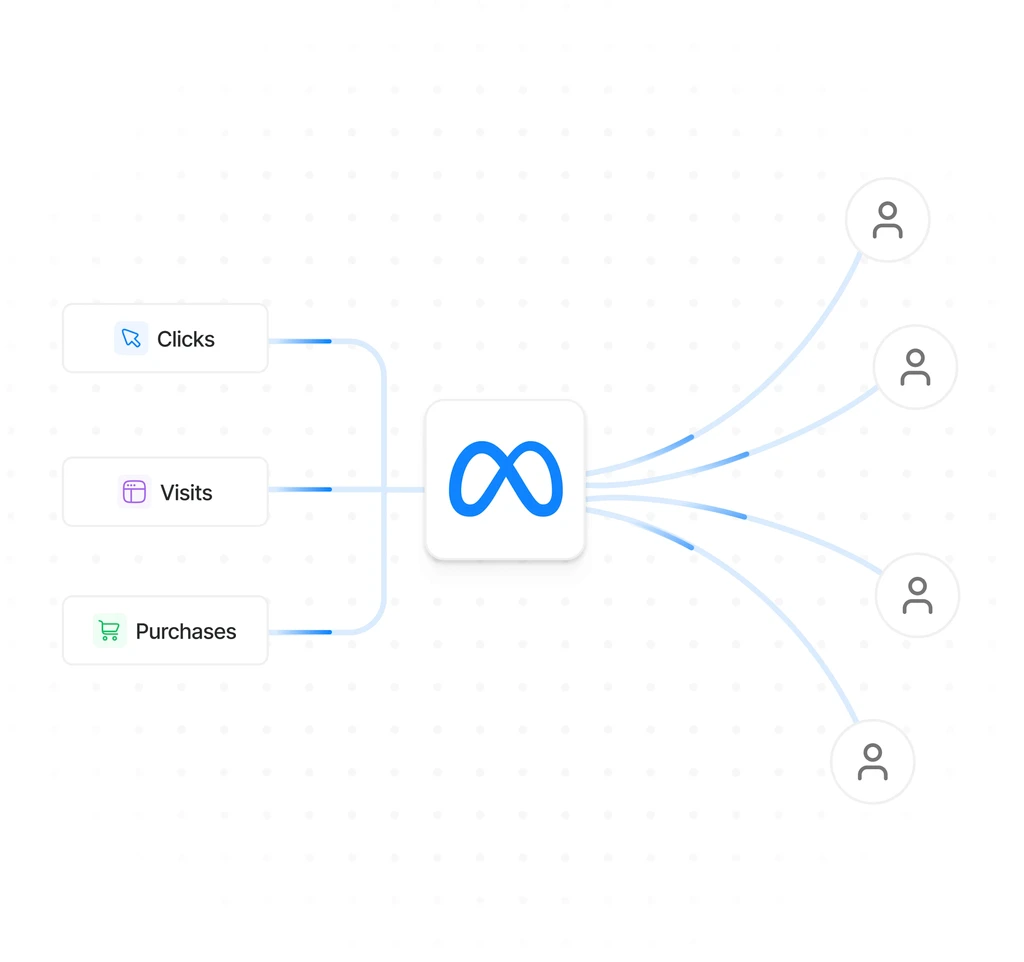
By providing real-time conversion data like who visited, clicked, and purchased, you move beyond broad categories and train the system to find people who actually buy.
In this new landscape, the business with the better data wins every time, as the algorithm stops searching for "interests" and starts scaling your proven customer base.
2
3
4
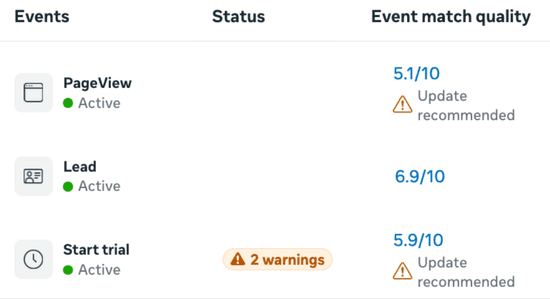
Facebook scores the quality of your data on every event you send.
Every time your website sends an event to Facebook like a purchase, a click, a form fill, Facebook scores how well it can match that event to a real user profile.
A low score means the data is there, but Facebook can't do much with it.
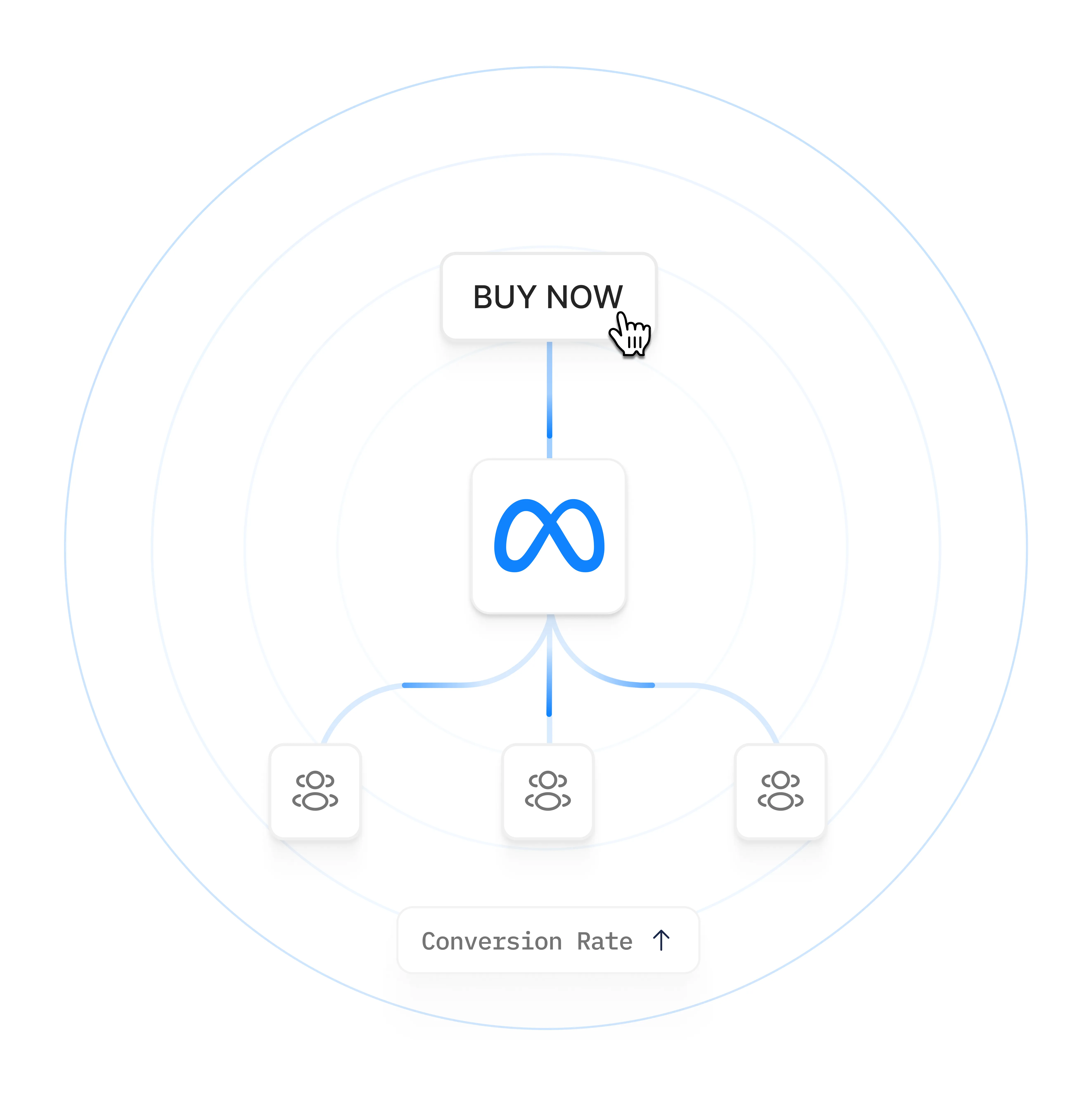
A higher score means Facebook can more accurately connect your conversions to specific people, and use that to find similar people.
PixelFlow help you achieve higher scores because it sends more complete information about each customer, securely.
Most advertisers are still running ads the old way
The Old Way
Tell Facebook who to target
Manually define audiences by age, interests, behaviours, and location. Based on your assumptions, not real data.
Based on your guesses, not real customers
Degrades as interests change over time
No feedback loop — same targeting forever
Higher CPAs, lower relevance scores
The New Way
Show Facebook who actually buys
Feed Facebook real conversion data. It finds people who match your actual buyers across all its data.
Based on real customers, not guesses
Improves automatically as data flows in
Self-optimising feedback loop
Lower CPAs, higher ROAS over time
Frequently Asked Questions
1. Can't I just use the Facebook Pixel?
You can, but in 2026 the Pixel alone is missing a meaningful chunk of your conversions. iOS 14+ blocks third-party cookies by default, Safari and Brave strip tracking parameters, ad blockers block the Pixel script outright, and most browser-side tracking has cookie lifespans of 7 days or less.
The result is Meta sees an incomplete picture of who's converting on your site. It then optimises your ads against bad data, which means higher costs and worse performance over time. The Pixel was enough in 2019. It is no longer enough in 2026.
The Conversions API runs server-side, which bypasses every one of those blockers. That is the reason Meta itself now recommends installing both.
2. Is the Conversions API hard to set up?
It depends entirely on how you install it. If you set it up directly using Meta's Graph API, you need a developer and the integration takes days. If you set it up through Google Tag Manager Server-Side, you need GTM expertise and a container host, and the configuration is detailed.
If you use a managed tool like PixelFlow, setup is a single script in your site settings and takes about 10 minutes. No code, no GTM, no container hosting. You connect your Meta Pixel, drop the script on your site, and tag the events you want to track.
The hardest part of the install is honestly choosing which method fits your situation. The actual setup, once you've picked the right tool, is fast.
3. What is the difference between the Facebook Pixel and the Conversions API?
The Facebook Pixel is a JavaScript snippet that runs in your visitor's browser. The Conversions API runs on a server. Both report events to Meta, but they see different things.
The Pixel sees what happens in the browser: page views, clicks, scrolls, form fills, as long as no tracker blocker interferes. The Conversions API sees events you choose to send from your server, including events the browser cannot see (like backend purchases) and events the browser sees but cannot reliably report (because of blockers).
They are not competing tools. Meta is designed for both to run together. The Pixel covers what the browser can see, the Conversions API fills in everything the browser cannot.
4. Do I really need both the Pixel and the Conversions API?
Yes, if you want clean attribution. The two are designed to work together, and Meta is more accurate when it receives the same event from both sources, because it can deduplicate and verify the conversion.
If you only run the Pixel, you lose the conversions that get blocked or stripped by browsers, which is a significant chunk in 2026. If you only run the Conversions API, you lose the convenience of automatic page-view tracking and the rich behavioural data the Pixel collects.
A well-configured stack runs both, with a shared event_id on each event so Meta can deduplicate. PixelFlow and similar managed tools handle this automatically.
5. What if I have low ad spend? Is it still worth it?
Below roughly $100 to $200 a month in Meta ad spend, the return on installing the Conversions API is real but small in absolute dollar terms. You will still see Event Match Quality scores improve and attribution tighten, but the resulting CPM and CPA improvements are modest in cash terms.
Above that threshold, the return is significant and pays for the tool many times over. Most managed Conversions API tools cost $15 to $30 a month, and even a 5% improvement on a $500 monthly ad budget pays for them on day one.
If you are not running paid Meta ads at all, you do not need the Conversions API today. That's the honest answer.
6. What if I'm not technical?
You don't need to be technical to use the Conversions API. Tools like PixelFlow are designed specifically for founders, marketers, and small teams without a developer on hand.
Setup is a single script in your site settings, plus a visual tagger that lets you click any element on your site (a button, a form, a thank-you page URL) and assign a Meta event to it. There is no code to write and no infrastructure to maintain.
If you can install a Google Analytics tag, you can install PixelFlow. That is the level of technical effort involved.
7. How long does it take to see results?
Event Match Quality scores in Meta Ads Manager typically improve within 48 to 72 hours of installing the Conversions API, assuming your events are passing identifiers like email, phone, and external_id (which most managed tools handle automatically).
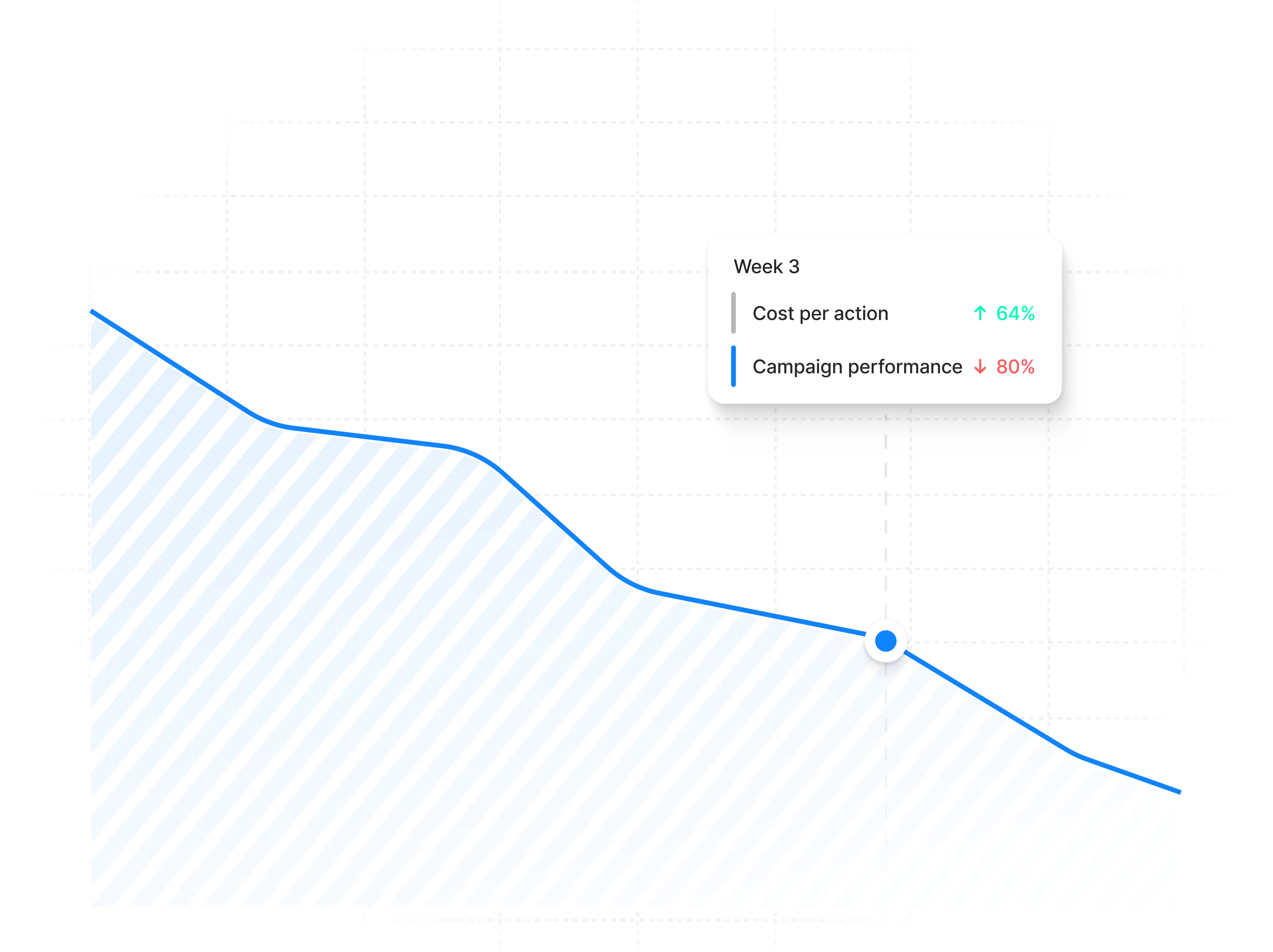
Actual ad performance lifts take longer, usually 2 to 3 weeks. That is the time Meta's algorithm needs to adjust to the cleaner data and reoptimise your delivery. Some advertisers see meaningful CPA drops within the first week, but most see the full benefit by week three.
If you haven't seen anything by week four, something is misconfigured. Check that events are actually firing in Meta Events Manager and that the event_id is being shared between the Pixel and the Conversions API.
8. Does it work with my website platform?
Most likely, yes. The Conversions API itself is platform-agnostic, and managed tools like PixelFlow provide native integrations or one-script setups for Webflow, Framer, Squarespace, WordPress, WooCommerce, Kajabi, ClickFunnels, and custom HTML sites.
If your site is built on something more unusual (a custom React app, a Shopify Plus build, a backend-rendered Rails or Django site), the Conversions API still works, but the integration path may involve more setup. In that case a developer or an agency typically handles the install.
For the no-code platforms listed above, install is genuinely 5 to 10 minutes and requires no developer.