

Track Stripe Purchase in Your Facebook Ads
Stripe shows the sales. Facebook Ads Manager does not. If that sounds familiar, nothing is broken. It is how Stripe checkout works, and it has a fix.
LIVE
Your Ad
checkout.stripe.com
Pay $49.00
Ads Manager
Purchase
$49.00
Attribute Stripe Purchases to Your Ads
If you sell through Stripe and advertise on Facebook, you have probably seen this: Stripe shows the sales, but Facebook Ads Manager does not. Revenue is coming in and your campaigns look like they are barely working.
Nothing is broken - the problem is structural. Stripe checkout happens on Stripe’s domain, not yours, and the moment a customer leaves your site the link between the ad they clicked and the purchase they made is lost. New to ad tracking? Start with how Facebook ads tracking works.
PixelFlow fixes this by receiving Stripe purchases via webhooks, enriching them with their original fbc (so they can be properly attributed) before sending them back to Facebook with more enriched data. This means you get perfect attribution in your Facebook ads, and Facebook is more easily able to find you similar customers for your ads. Prefer to see every step? Follow the full Stripe setup tutorial.
Perfect attribution every time
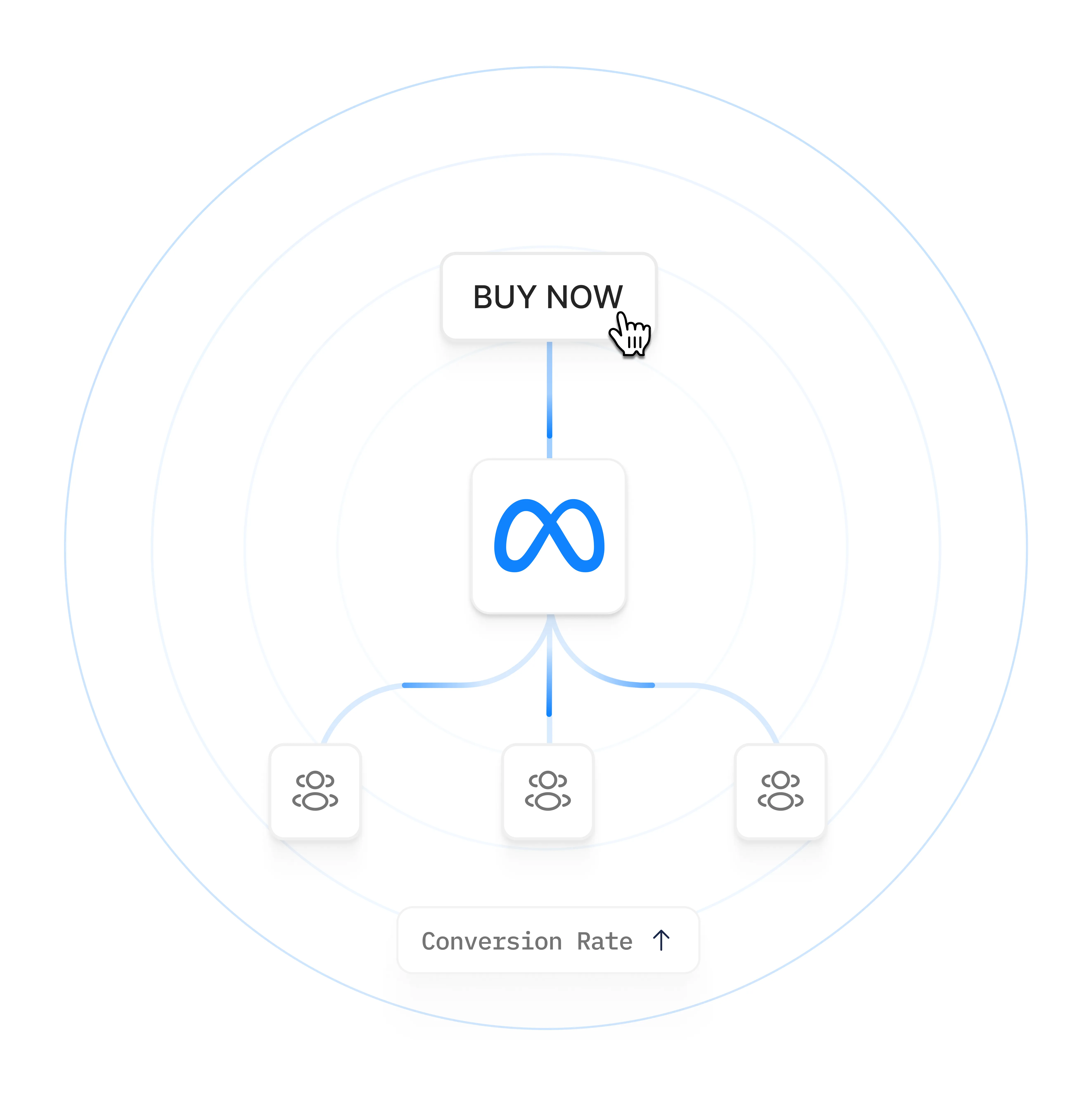
PixelFlow listens for events in Stripe and forwards them server-side to your Meta pixel, with customer data attached for better attribution.
Server-side via Meta’s Conversions API, bypasses iOS and ad-blocker drop-off. Learn how the Conversions API works.
Each event includes hashed email, name, value & currency where Stripe has it.
Optional redirect step adds fbc, IP, and location for higher match rates.
Built for subscriptions, not just one-off sales.
Send the following events with proper attribution
Trial sign-ups for a subscription
Payment method setup
First subscription payment & one-off purchases
Subscription renewals

Setup in Under 5 mins
Setup is as simple as
Connect Stripe
Setup a redirect after purchase
Once you’ve done that PixelFlow adds your fbclid back to the event, enriches it with further information like browserID etc. and sends it to Facebook so it can correctly attribute your subscriptions, trials, purchases etc. to the exact ad campaign they came from.
You can also filter by value and productID if you only want specific products to trigger events (for example, ignore upsells etc.) The same webhook approach also works with Calendly bookings.
Without PixelFlow
With the PixelFlow Stripe integration
Purchases never appear against a campaign in Ads Manager
Every Stripe purchase is matched back to the ad that drove it
Facebook reports far fewer purchases than Stripe
Purchase counts in Ads Manager line up with Stripe
Revenue in Ads Manager is missing or much lower than real revenue
Real payment values and currency are sent with every event
Purchase events have a low Event Match Quality score
Hashed email, IP and click ID raise Event Match Quality
Events Manager keeps asking for more customer information
Complete customer data is sent automatically
Using other setups, it will trigger every Stripe purchase event
Only trigger events based on value or productID filters
Why Facebook loses your Stripe sales
When someone clicks your ad, Facebook tags the URL with a click ID. Your site stores it. That ID is the thread tying one person to one ad.
Then they click Buy and land on Stripe’s domain. Cookies do not travel between domains, so the click ID stays behind on your site. And you cannot add a pixel to Stripe’s checkout page, because it is Stripe’s page, not yours.
Sending the purchase to Facebook by webhook (Zapier, a custom script) gets the sale there, and Stripe knows the customer’s email so Facebook can usually work out who bought. But the event arrives with no click ID, so Facebook cannot work out which ad made them buy.
That is the gap. Matching tells Facebook who. The click ID tells Facebook which campaign earned the sale. Without it your revenue floats free of the campaigns that produced it. It is the same mechanism behind why Facebook ads underreport conversions.
How PixelFlow fixes it
Frequently asked questions
Why don't my Stripe purchases show up in Ads Manager?
Stripe checkout happens on Stripe's domain, not yours. Cookies do not travel between domains, so the click ID that ties a purchase to an ad stays behind on your site. The payment goes through, but Facebook never learns which ad drove it.
How does PixelFlow connect a Stripe payment back to the ad?
PixelFlow captures the visitor's ad click and browser data when they land on your site, and holds on to that session while they pay on Stripe. When Stripe reports the completed payment, PixelFlow stitches the two together and sends Facebook one Purchase event carrying both the payment and the click.
Can't I just add a Facebook Pixel to the Stripe checkout page?
No. The checkout page belongs to Stripe, so you cannot load your own scripts there. That is why a browser pixel alone can never attribute Stripe sales, and why the fix has to happen server side.
What exactly gets sent to Facebook with each purchase?
The real value and currency from Stripe, the ad click ID (fbc) and browser ID (fbp) captured on your site, the customer's hashed email, IP address and user agent, plus a shared event ID. Personal data is hashed before it leaves.
Will purchases be double-counted if my site also runs a browser pixel?
No. Every server event carries the same event ID as its browser counterpart, so Meta automatically deduplicates them and counts each purchase once.
Will this improve my Event Match Quality score?
Yes. Event Match Quality is scored on the identifiers you send, and events sent this way carry hashed email, IP, user agent and click ID with every purchase - far more than a pixel-only setup can attach to a Stripe sale. Higher EMQ means better attribution and delivery.
Fix Your Meta Tracking Today
Accurate reporting and attribution for your Facebook Ads.
Compatible with


